How to Find Trending Friend Quizzes to Play With Your Crew
Your group chat has gone quiet for the third night in a row, and nobody can agree on what to play next. The problem isn't a lack of options, it's that most "quiz lists" are stale, recycled, and dead on arrival. Here's the truth: the best trending friend quizzes 2026 aren't found on static listicles. They're discovered through a repeatable workflow that surfaces fresh challenges the moment they start gaining traction.
You're right to be frustrated. Scrolling through generic quiz directories feels like digging through a bargain bin, and by the time a quiz goes viral on TikTok, your crew has already seen it three times. What you need is a system, not another list.
This guide walks you through a three-step discovery loop: browse the directories where quizzes actually live, preview formats before you share, and challenge your crew while tracking the chaos. Along the way, you'll learn why one specific quiz format outperforms every other type by a wide margin, and it's probably not the one you'd guess. Friend Quiz's discover directories make the first step instant, with no account needed.
Step 1: Browse Trending Directories Where Quizzes Actually Live
Trending quiz directories are organized by three tiers, discover/trend, discover/weekly, and discover/monthly, and each tier surfaces challenges at a different velocity. New challenges drop at the start of the week, which is exactly when group chat activity peaks. Here's how to work the system in under five minutes.
Before you start, you need only a phone with a browser, no app install, no login, no email verification. Friend Quiz's directories load instantly and update in real time as creators publish new quizzes.
- Open discover/trend and scan the top 10. This tier shows quizzes gaining momentum in the last 24-48 hours. You should see a mix of fresh creator names and rising formats. Time: 60 seconds.
- Tap any quiz card to preview its first three questions. The preview loads without starting the quiz, so you can judge the tone before committing. You should see the creator's name, question count, and a sample prompt immediately.
- Check discover/weekly for the current week's breakout hits. This tier resets every Monday, aligning with peak group chat activity. You should see a "New this week" badge on quizzes published in the last seven days. Time: 60 seconds.
- Bookmark discover/monthly for evergreen crowd-pleasers. This tier aggregates the month's most-played quizzes, filtering out one-day fads. You should see play counts and completion rates that signal proven engagement. Time: 60 seconds.
- Copy the share link from any quiz card and drop it into your group chat. The link is a single tap-to-play URL, no code, no QR scan, no redirect chain. You should see a rich preview with the quiz title and creator name appear in WhatsApp or iMessage.
The browse-discover-play loop works because each tier answers a different question. Trend answers "what's hot right now," weekly answers "what's fresh this week," and monthly answers "what actually held attention." Most people only check one tier and miss the other two, that's the gap this workflow closes.
Step 2: Preview the Format Before You Share
A quiz format is the structural pattern that determines how players interact with questions, and previewing it before you share is the difference between a chat that erupts and a link that dies silently. Think of formats like board game genres: you wouldn't bring a four-hour strategy game to a party where everyone wants a 10-minute party game.
Friend Quiz challenges fall into four recognizable format types, which we'll call the Trend Taxonomy: icebreaker (low-stakes, get-to-know-you prompts), rivalry-settler (head-to-head "who knows the creator better" battles), attention-check (questions that test whether friends actually read the group chat), and dare-challenge (wrong answers trigger a forfeit). Each format produces a different emotional response, and matching the format to your crew's mood is the skill most people skip.
The data backs up the importance of format selection. YouTube view counts show peer-comparison formats dominate: the BFF Friendship Test format has pulled in 311,985 views, while Who Is More Likely To sits at 167,215 views. Both are rivalry-settler formats, proof that people don't just want to answer questions about themselves; they want to see how their answers stack up against their friends' answers.
For a simple preview, open any quiz and check the first question's tone. Is it playful or pointed? For an intermediate check, scan the question count, under 10 questions suits a quick chat burst, while 15+ works for a longer session. For an advanced move, identify the format type and predict the group's reaction before you send it. A friendship dare quiz lands differently in a competitive group chat than in a casual one.
Once you've matched the format to your crew's energy, you're ready to send it and watch the responses roll in.
Step 3: Challenge Your Crew and Track the Chaos
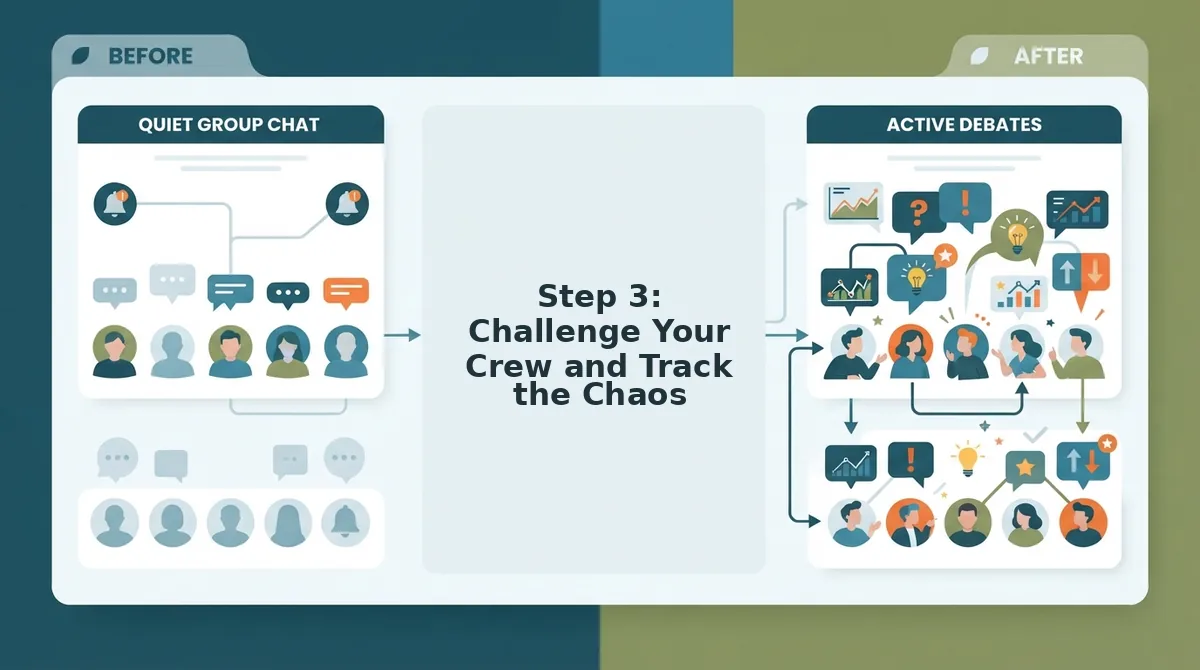
Once you have previewed a quiz and confirmed it fits your group's vibe, the real fun starts when you share it and watch the scores roll in. You need nothing more than a phone and your group chat, no app downloads, no account signups, and no waiting through setup screens.
- Open the quiz link you previewed. Tap the share icon in your mobile browser or copy the URL directly from the address bar. You should see the quiz title and creator name load instantly on the page before you share anything.
- Paste the link into your group chat. Add a one-line challenge like "Zero chance anyone scores above 6 on this" to trigger competitive instincts. Expect the first responses within 60 seconds if your crew is active.
- Watch the Friendboard update in real time. Open Friendboard to see who answered, what they scored, and where everyone ranks. You should see names appear the moment each friend submits their answers, no refresh required.
- Call out the leader and demand a rematch. Screenshot the final standings and post them back to the chat. The top scorer gets bragging rights until someone creates their own friend quiz and flips the challenge.
The entire loop, enter name, answer prompts, share link, watch Friendboard, takes under three minutes from start to first score. That speed is the point: momentum dies when a quiz demands an install or a login wall before question one.
What Makes a Friend Quiz Trend in 2026
A trending friend quiz is a short, personality-driven challenge that spreads through group chats because it compares players against each other rather than testing obscure trivia. The formats that blow up in 2026 share one trait: they make the player the subject, not the spectator.
Think of a trending quiz like a party game that travels in your pocket. Charades works at any gathering because everyone participates and reacts to each other. A quiz that asks "Who is more likely to ghost the group chat?" works the same way, it generates debate, laughter, and screenshots, which is exactly what pushes a link from one chat to five more.
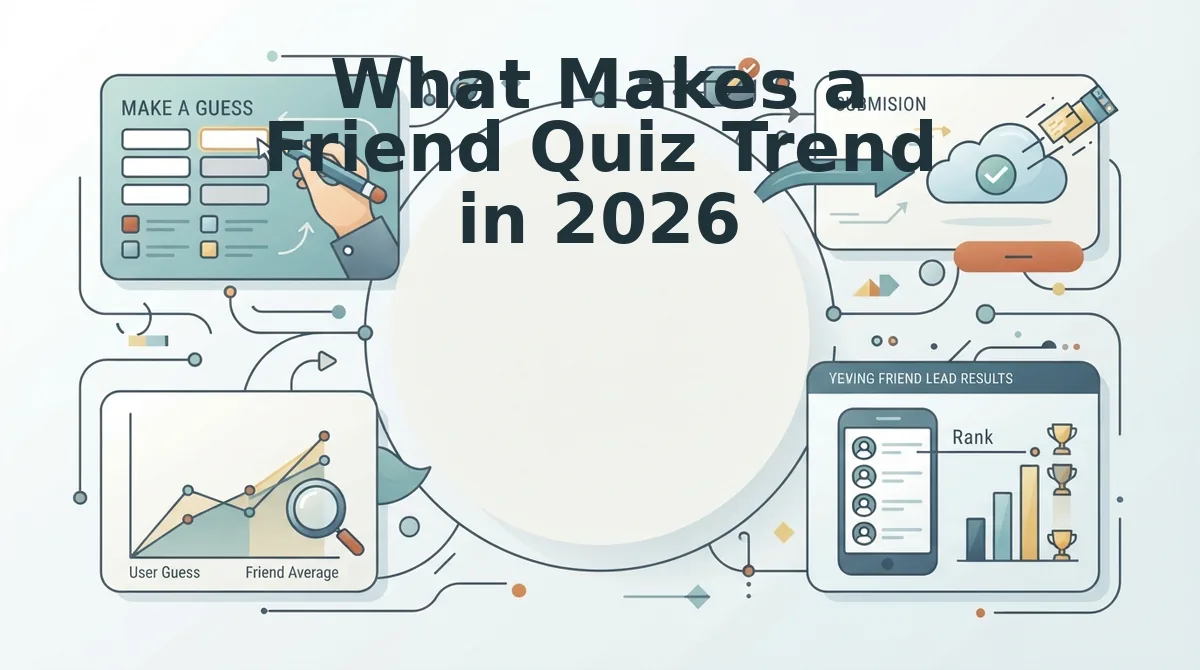
The simplest trending format is the peer-comparison prompt. One question, two names, instant argument. These quizzes spread because the answer is never private: the Friendboard makes every score visible, so the quiz becomes a public ranking rather than a solo activity.
At the intermediate level, personality-style quizzes dominate. These ask a series of self-referential questions, "What is your go-to order at 2 a.m.?", and then reveal a type or label. The hook is identity confirmation, and players share results to prove something about themselves.
The most advanced trending quizzes combine both mechanics: a personality-style sequence that ends in a peer-comparison reveal. The creator answers prompts about themselves first, then friends attempt to match those answers. Accuracy becomes the score, and the Friendboard turns accuracy into a visible hierarchy.
The YouTube view data backs this hierarchy. Personality-style and peer-comparison formats massively outperform character-guessing formats. Quiz N' Chill's BFF Friendship Test pulled 311,985 views, and The Quizness "Who Is More Likely To" video reached 167,215 views. Meanwhile, Happy Vibes Only's "What Type of Friend Are You" stalled at 512 views, and Quiz Mania Media's "Guess the Friends Character" sits at 277 views. The gap is not close: formats that put the player inside the question outperform formats that ask players to identify external characters by roughly 600 to 1.
In short, a friend quiz trends when every answer creates a reaction someone wants to screenshot and send. The question is the content, and the Friendboard is the proof.
FAQ About Trending Friend Quizzes
How do I track scores on a friend quiz without downloading an app?
Friendboard tracks every score in real time through your mobile browser, so no app download or account creation is required. Each friend's result appears on the leaderboard the moment they submit, and you can screenshot the final standings to share in your group chat.
How often do new trending friend quizzes appear?
New trending quizzes are added weekly through the discover and weekly sections on Friend Quiz. Checking once a week is enough to catch fresh formats before they saturate your group chat, keeping the challenge feeling new instead of recycled.
What is the difference between a friendship test and a best friend test?
A friendship test measures general compatibility across a friend group, while a best friend test focuses on how well one specific person knows you. Best friend tests typically include more personal prompts about your habits, preferences, and shared history.
Why do personality-style quizzes get more views than character-guessing quizzes?
Personality-style quizzes make the player the subject, which creates shareable results and group debate. Character-guessing quizzes ask players to identify external figures, producing no personal stake. YouTube view counts show personality formats outperforming character-guessing by roughly 600 to 1.
Can I challenge my friends to a dare-based quiz instead of a trivia quiz?
Yes, a friendship dare quiz replaces trivia prompts with action-based challenges that friends complete and report back on. The format works best in active group chats where participants can post photo or video proof of completed dares.
Pick a directory, preview a quiz, challenge your crew.
Pick a Directory, Preview a Quiz, Challenge Your Crew
The fastest path from dead group chat to full-blown bragging-rights chaos is three moves: browse trending quizzes, preview the question style, then drop a share link on your crew. No app installs. No account setup. Just a link that starts the argument.
What separates a quiz that dies in the chat from one that takes over the night is momentum. Trending directories solve the discovery problem. Previewing solves the trust problem, you know the questions won't embarrass you in front of the wrong people. The challenge itself solves the participation problem, because nobody wants to be the one friend who didn't take the test.
Here's the pattern interrupt: you don't need a better quiz. You need a faster loop.
- Find one trending quiz that matches your crew's inside jokes or current obsession.
- Preview three questions, enough to confirm the tone, not enough to spoil the reveal.
- Send the link with a dare, not a request. "Bet you score under 60%" outperforms "hey take this" every time.
The payoff from the intro: the group chat isn't dead because your friends stopped caring. It's dead because nothing in it demands a response. A trending friend quiz with a score attached changes that instantly, someone has to defend their ranking, and that's when the chat comes alive again.
Start with the trending quiz directory and send your first challenge today. You'll know within minutes whether your crew still has it.
The friend quiz that trends isn't the cleverest one, it's the one someone actually dared their friends to beat.