Can Friends Take My Quiz Without Downloading an App
Your group chat is popping off, someone just dared everyone to prove who knows you best, and the moment you drop an app-store link, half the chat goes silent. That's the exact friction point that kills participation: nobody wants to install anything for a two-minute laugh. You're right to want a quiz your friends can take friend quiz without downloading app barriers, and the good news is that's entirely possible.
Here's what you'll learn: how browser-based friend quizzes eliminate install prompts, why the make a friend quiz flow takes under two minutes from idea to shareable link, and what actually happens on your friend's screen when they tap it. The Zero-Friction Flow, Enter Name to Answer Prompts to Share Link, requires no account, no email verification, and no waiting. Friend Quiz links open directly inside WhatsApp, iMessage, and Snapchat's in-app browsers with zero redirects. Stick around for the part where we reveal why app-based quizzes lose up to half their participants before question one, and what the no-download alternative does differently.
Can Friends Take My Quiz Without Downloading an App?
Yes. Friends can take your quiz without downloading an app, creating an account, or verifying an email address. A browser-based friend quiz is a web application that loads directly in a phone's default browser the moment someone taps your shared link.
Think of it like opening a YouTube link in a group chat, the video plays right there in the chat's built-in browser. No app store redirect, no sign-up wall, no waiting. Friend Quiz is a mobile-first web app, so recipients tap the link and answer instantly in the same tap. The quiz loads in WhatsApp, iMessage, or Snapchat's in-app browser without kicking them out to a separate download page.
This matters because every extra step between tapping a link and answering question one costs participants. A web app removes the entire install funnel, search, download, permissions, account setup, and replaces it with a single page load. Your friends go from curious to answering in seconds, which is exactly the speed group chat banter demands.
How Browser-Based Friend Quizzes Work (The Zero-Friction Flow)
A browser-based friend quiz runs entirely on the web, so your friends never leave their chat app's browser. The entire setup takes under two minutes from start to shareable link.
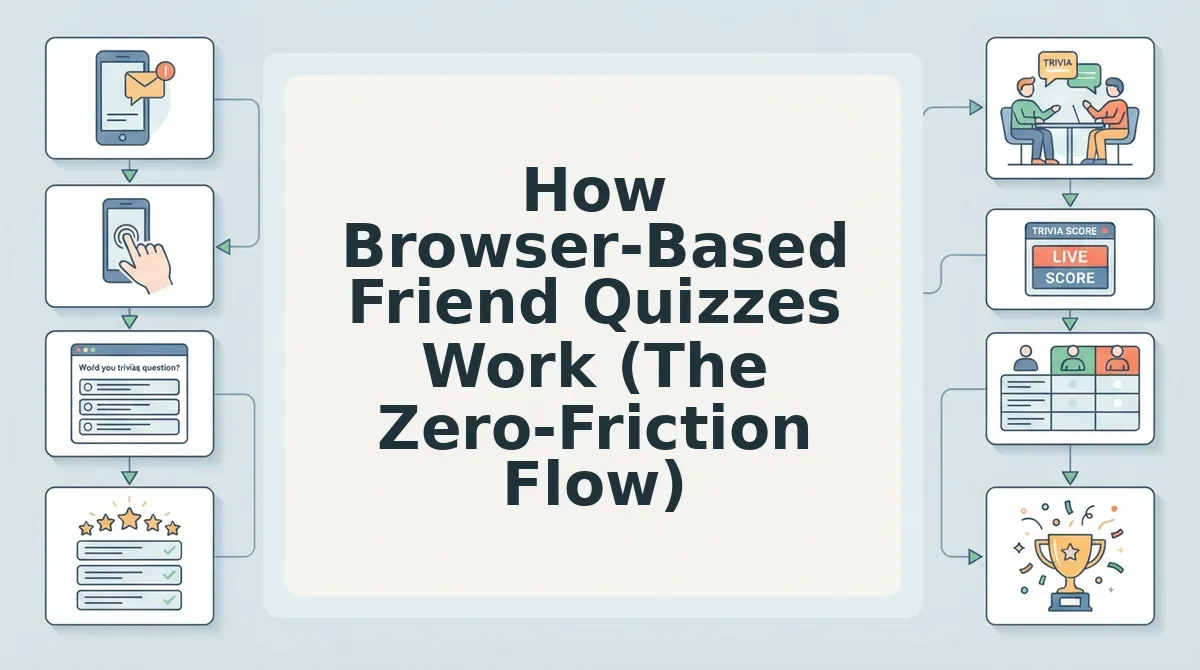
Here's the Zero-Friction Flow, step by step:
- Enter Your Name. Open make a friend quiz on your phone. Type your name into the name field, that's it. No account creation, no email, no password. You should see the first prompt appear immediately after you submit your name.
- Answer Personal Prompts. Cycle through a sequence of personal trivia prompts about your daily habits, quirks, likes, and dislikes. Each answer becomes a question your friends must guess. Expect to spend about 60-90 seconds on this step. You should see a progress indicator as you move through each prompt.
- Share the Link. Tap the generate button to create your instant quiz link. Copy it and paste it into any group chat. Your friends tap the link and it opens directly in their mobile browser, no install prompt, no redirect. You should see the quiz load in the same tap.
The entire flow, from typing your name to sending the link, takes under two minutes and requires no account or email verification. Friends open the link in WhatsApp, iMessage, or Snapchat's in-app browser and answer instantly, with results posting to a real-time Friendboard for bragging rights.
That's the browser-based advantage in action, next, let's compare it head-to-head with app-based quizzes to see why no-download wins group chats every time.
App vs Browser: Why No-Download Quizzes Win Group Chats
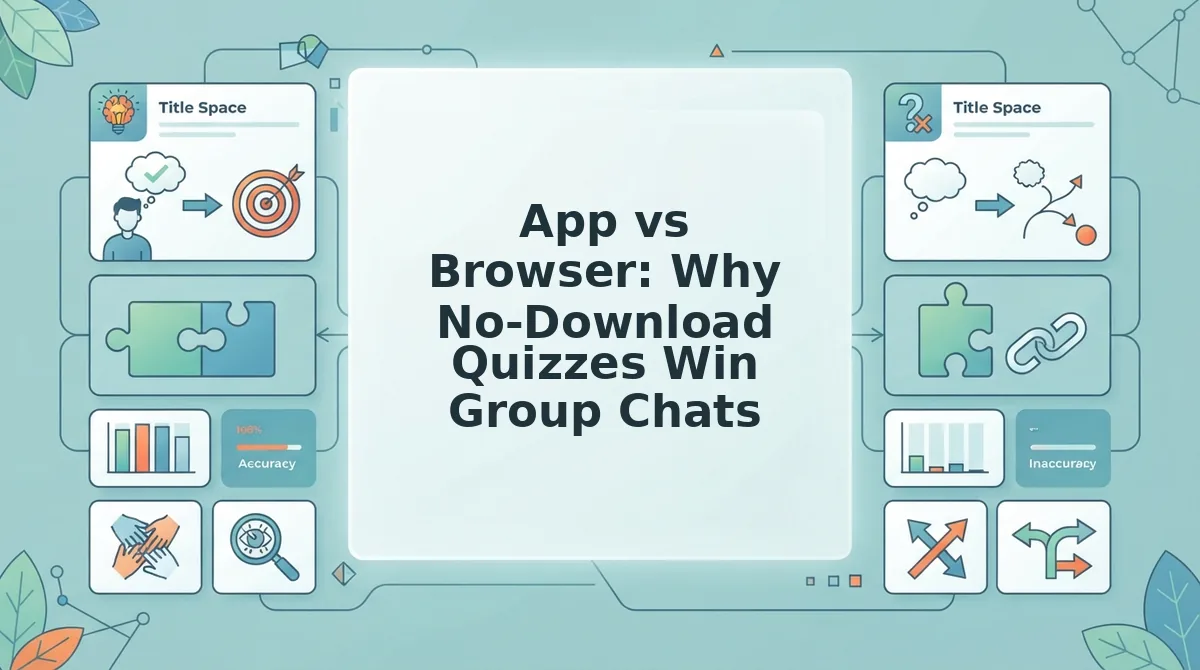
App-based quizzes demand a store visit, download, install, permission grants, and account sign-up before the first question appears. Browser-based quizzes need one tap on a link, and the quiz loads inside the in-app browser of WhatsApp, iMessage, or Snapchat.
Friction math is unforgiving in group chats: every additional step between receiving a link and answering a question reduces the chance a friend completes the quiz. An app install can take 30-90 seconds and requires leaving the conversation entirely. A browser link starts the quiz in under three seconds without interrupting the chat flow.
That said, native apps earn their place for creators who want push notifications, offline play, or persistent leaderboards tied to a user account. If your friend group already lives inside a quiz app ecosystem, the install cost is already paid and app-based quizzes feel natural.
| Factor | App-Based Quiz | Browser-Based Quiz (Friend Quiz) |
|---|---|---|
| Setup time | App store visit, download, install, permissions, account sign-up, often 2-5 minutes before question one | One tap on a shared link; quiz loads in the in-app browser immediately |
| Privacy | Typically requires account creation and app permissions (contacts, notifications, storage) | No account, no login, no permissions; the quiz runs in a sandboxed browser view |
| Storage | Consumes device storage permanently until uninstalled | Zero storage footprint; nothing to delete afterward |
| Shareability | Link may prompt an install screen before the quiz opens, breaking the group-chat loop | Link preview renders in chat; friends tap and answer without leaving WhatsApp, iMessage, or Snapchat |
Best for app-based quizzes: creators who want recurring engagement with a logged-in audience, offline play, or gamified push-notification loops. Best for browser-based quizzes: group-chat instigators who need maximum participation from friends who will never install an app for a five-question laugh. If your goal is bragging rights in the group chat tonight, a friend quiz without account friction wins every time.
Sharing Your Quiz in WhatsApp, iMessage, and Snapchat
Each messaging platform handles shared quiz links differently, and knowing the exact behavior in each app removes the guesswork from getting friends to actually tap and play.
- WhatsApp: link preview plus in-app browser. When you paste your quiz link into a WhatsApp chat, the app renders a rich preview showing the quiz title. Tapping the preview opens the quiz inside WhatsApp's built-in browser, so friends never leave the chat thread and no install prompt interrupts the flow.
- iMessage: rich preview with Safari View Controller. iMessage displays the quiz link as a tappable rich preview card. Friends tap it and answer questions inline via Safari View Controller, which loads the quiz instantly without switching to the full Safari app or asking for any permissions.
- Snapchat: internal browser keeps the streak alive. Snapchat opens shared links in its own internal browser, so the quiz loads without an app switch or download prompt. Friends can answer, see their score, and snap a screenshot back to the group without ever leaving Snapchat.
- Group chats: one link, unlimited participants. Paste the same quiz link into any group chat and every member can tap and play independently. There is no participant cap, no lobby to wait in, and no host required to be online for friends to take the quiz.
- Stories and statuses: broadcast to your whole circle. Post the quiz link to your WhatsApp Status, Snapchat Story, or iMessage group announcement. Anyone who views it can tap through instantly, turning a one-to-one best friend quiz into a broadcast challenge.
How Fast Is Setup? (Spoiler: Under 2 Minutes)
Quiz setup speed is the total time from opening the quiz maker to having a shareable link in your clipboard. Think of it like ordering at a drive-thru: every extra prompt is another car in line, and the fastest lane wins the group chat.
The Friend Quiz flow breaks down into three concrete steps. Enter your name: 10 seconds. Answer five personal prompts about your habits, quirks, likes, and dislikes: 60 seconds. Generate and share the link: 20 seconds. Total: under two minutes from idea to group chat, with no account creation and no app download at any point.
That speed matters because momentum is the currency of group-chat fun. If you want to create a friend quiz in under two minutes, the workflow is built for exactly that: type, tap, share, and let the bragging rights begin. Ready for the questions everyone asks next?
FAQ
Quick answers to the questions people actually ask before sending a friend quiz link to the group chat.
Do I need an account to make or take a friend quiz?
No. Friend Quiz requires no account, no email verification, and no sign-up for creators or respondents. You enter your name, answer the prompts, and share the link. Friends tap it and play immediately, nothing to register, nothing to remember.
Will the quiz work in WhatsApp, iMessage, or Snapchat?
Yes. The link opens directly in each app's built-in browser with no redirect, no install prompt, and no "open in Safari" detour. Your friends stay inside the chat flow, answer the questions, and see their score without ever leaving the conversation.
How fast can I set up a friend quiz and share it?
Under 2 minutes. Enter your name, cycle through the personal trivia prompts, and copy the generated link. There is no multi-page form, no image upload requirement, and no waiting for a publish step. The quiz is live the moment the link exists.
What's the difference between app-based and browser-based friend quizzes?
App-based quizzes require a download, an account, and often push notifications or storage permissions before you can play. Browser-based quizzes like Friend Quiz are instant via link, no install, no login, no permissions. The trade-off is zero: you get the same scoring and sharing without the friction.
Why does a no-download friend quiz get more responses in group chats?
Every extra tap costs participation. When a friend taps a link and lands directly on the quiz, they answer immediately. When they hit an app store page or a sign-up wall, most drop off. A link-only quiz removes every barrier between curiosity and completion.
If you want to test a specific friendship, the BFF test works the same way: create it in under two minutes, share the link in any chat app, and your best friend answers in the in-app browser with no download, no account, and no waiting. The score appears instantly for both of you, which is what makes it a conversation starter rather than a chore.
The Link Is the Whole Product
Every step of a friend quiz, creating it, sharing it, taking it, and seeing the score, happens inside a browser tab. There is no app store page, no sign-up form, and no waiting between "I made this" and "my friends are laughing at their results." That is the entire point.
App-based quizzes treat the download as step one. Friend Quiz treats the link as the only step. Your friends tap it in WhatsApp, iMessage, or Snapchat, answer in the in-app browser, and get their score before the conversation moves on. No install prompt kills the momentum. No account wall kills the vibe.
If you have not tried it yet, open the friendship test and make one in the next two minutes. Send it to the group chat and watch who actually knows you. The bragging rights are already on the line, the only question is whether you are the one asking or the one answering.