How to Create a Dare Quiz Without an Account
You're in the group chat, the banter is flowing, and someone dares you to prove how well your friends actually know you. You click a quiz maker, and it slams a signup wall in your face before you can even type your name. Most quiz platforms force you to create an account, verify an email, or download an app before you can create dare quiz without an account. That friction kills the moment dead.
You're right to be annoyed. A dare quiz should take seconds to build, not minutes of form-filling. Here's the promise: by the end of this guide, you'll know exactly how to turn your quirks, habits, and boundaries into a shareable dare quiz link, no email, no signup, no app download. We'll walk through the step-by-step flow, expose why big-name quiz tools gate you with accounts, and hand you dare question ideas that actually get answered.
Here's the open loop: the share link for your dare quiz goes live faster than your group chat finishes debating who goes first. We'll show you exactly how that works below.
A dare quiz is a personalized trivia challenge where friends answer prompts about your habits, quirks, likes, dislikes, and boundaries, then get dared to act on what they got wrong. A zero-account dare quiz means you never enter an email, never create a password, and never install anything. You open the friendship dare quiz maker, type your name, answer a sequence of dare prompts, and copy a live share link. Friend Quiz packages your answers into a mobile-friendly challenge page instantly. The entire enter-name to answer-prompts to share-link flow takes under two minutes, and the link works in WhatsApp, iMessage, and Instagram without any login walls for your friends either.
How to Create a Dare Quiz Without an Account Step by Step
To create a dare quiz without an account, open friendquiz.org, enter your name, answer the dare prompts, and copy your share link. No email, no signup, no app download, the whole flow takes under two minutes.
What you need: a smartphone or desktop browser and a group chat to share the link with. That's it. No accounts, no apps, no payment details.
- Open friendquiz.org in your mobile browser. The homepage loads directly into the quiz builder, no landing page pitch, no signup modal. You should see a name field front and center.
- Type your name. This is the only identity step. Your name appears on the quiz page so friends know whose dares they're answering. No email field follows.
- Answer the dare prompts. The platform cycles through personal trivia questions about your daily habits, quirks, likes, dislikes, and boundaries. Each answer becomes a question your friends must guess. Tap or click through, there are no multi-page form reloads.
- Copy your share link. The moment you finish the last prompt, Friend Quiz generates a live quiz URL. Tap the copy button and paste it into WhatsApp, iMessage, or Instagram. The share link is live before your group chat finishes debating who goes first.
- Share and track responses. Friends open the link in their mobile browsers and answer instantly, no account required on their end either. Their scores post to the Friendboard so you can see who actually knows you.
To create a dare quiz without an account, the entire flow is enter your name, answer dare prompts, and copy the share link. Friend Quiz never asks for an email address, never forces a password, and never redirects you to an app store. The quiz page is hosted on a mobile-optimized URL that loads in any browser, so friends on iPhone and Android get the same instant experience. Because there is no account layer, there is nothing to reset, verify, or remember, you can create a new dare quiz every time the group chat demands one, and each link stays live independently.
Pro tip: Keep the link pinned in your group chat so friends can re-answer after new dares. Every time you update your answers or add fresh prompts, the same link reflects the changes, no need to spam a new URL.
Why Most Quiz Makers Force You to Create an Account
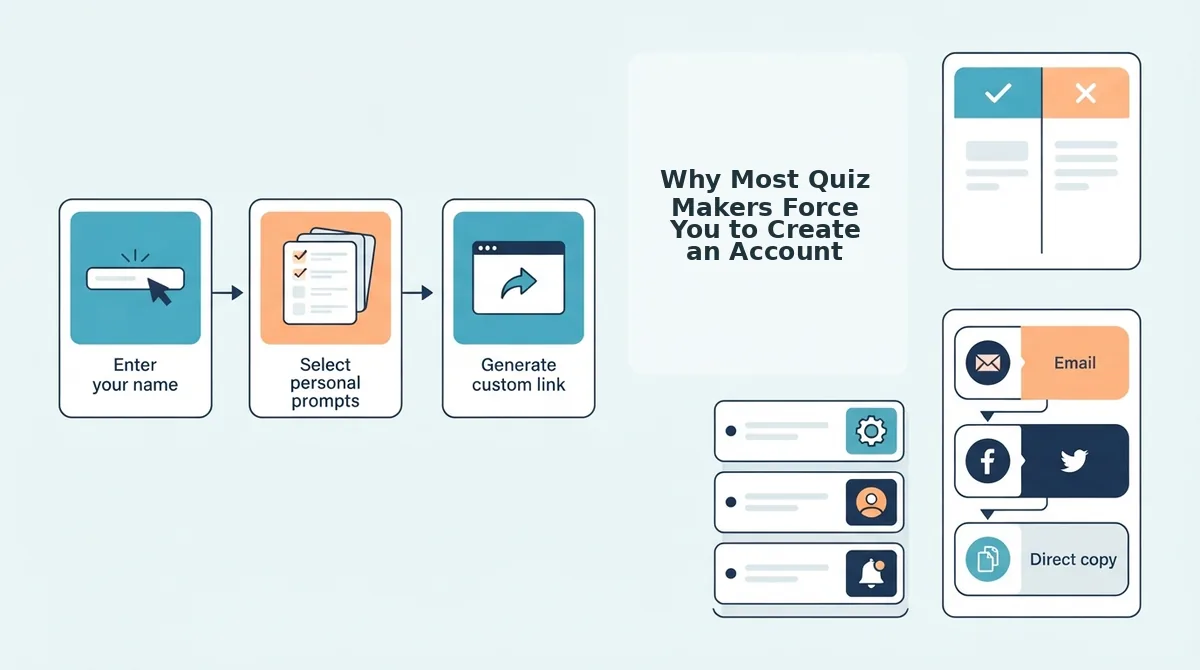
Most quiz platforms require accounts because they monetize user data, enable content libraries, and support classroom management, but that friction is unnecessary for a casual dare quiz between friends. The tradeoff is speed versus features.
| Platform | Signup Required | Time to First Share | Mobile Friction |
|---|---|---|---|
| Friend Quiz | No, no email, no password | Under 2 minutes | None, instant mobile browser flow |
| Kahoot | Yes, account setup required | Several minutes plus configuration | Multi-step setup before sharing |
| AhaSlides | Yes, signup required to create quizzes | Several minutes plus slide setup | Desktop-first creation flow |
Kahoot is a legitimate powerhouse for classroom engagement and live polling. Its account system supports saved quizzes, team modes, and educator dashboards, features teachers genuinely need. But for a dare quiz in a group chat, that setup is overhead. A HelperMan YouTube tutorial walks through the account creation and multi-step configuration required before you can share anything.
AhaSlides similarly requires signup to create quizzes, as shown in its own YouTube walkthrough. The platform is best for presenters and workshop facilitators who want interactive slides with Q&A and word clouds. The account layer enables presentation saving and audience analytics, valuable for work, pointless for a dare quiz.
Best for group chat banter: Friend Quiz, because the zero-account flow means the dare quiz link is in your chat before the moment passes. Best for classrooms: Kahoot. Best for workshops: AhaSlides. For a deeper breakdown, see our quiz platform comparisons. Next: dare question ideas that actually get answered.
Dare Question Ideas That Actually Get Answered
A dare quiz lives or dies on question quality. The best dares are specific, instantly answerable, and calibrated to your friendship's comfort level, not vague prompts that make people overthink and abandon the quiz.
Use this four-category taxonomy to build a dare quiz that keeps friends engaged from first tap to final score. Mix at least one dare from each category for the highest completion rate.
- Safe Dares: Send a voice note singing the chorus of the last song you played. Safe dares are low-stakes, zero-embarrassment actions that anyone can complete in under 30 seconds. They matter because they warm up the quiz and build momentum before riskier prompts appear. Use them as your opening questions so friends feel confident committing to the full quiz.
- Reveal Dares: Share the last text you sent to your crush. Reveal dares ask friends to expose something mildly personal or private, which drives the gossip energy that keeps group chats alive. They matter because vulnerability is the currency of friendship banter, the more someone reveals, the more invested the group becomes. Place these in the middle of your quiz, after Safe dares have built trust.
- Roast Dares: Describe my fashion sense in three words. Roast dares invite friends to playfully mock the quiz creator, which flips the power dynamic and makes the quiz feel like a two-way game instead of an interrogation. They matter because friendly roasting is the highest-engagement content in any group chat. Use them to reward friends who have made it deep into the quiz.
- Challenge Dares: Post a story with the ugliest selfie on your camera roll. Challenge dares require friends to take a public or semi-public action outside the quiz itself, which extends the game beyond the browser. They matter because they generate proof, screenshots, story replies, and follow-up messages that keep the quiz circulating. Save these for the final questions so the quiz ends with a bang.
For a complete breakdown of how these categories map to a full best friend quiz, see the linked guide. The key insight is balance: too many Roast dares feels mean, too many Safe dares feels boring, and too many Challenge dares feels like homework. A 7-question quiz with two Safe, two Reveal, two Roast, and one Challenge dare consistently outperforms single-category quizzes because it mirrors the natural rhythm of a good conversation, warm up, get personal, get playful, go out with a story.
Sharing Your Dare Quiz Without Killing Group Chat Momentum
Share-link momentum is the speed at which a quiz link travels through a group chat before the conversation moves on to something else. The goal is to drop the link at the exact moment the chat is active, not when everyone is asleep or mid-argument about dinner plans.
Start simple: copy the quiz link and paste it into your WhatsApp, iMessage, or Instagram group with a one-line hook like "I made a dare quiz. Answer honestly or I'm screenshotting this." The link opens directly in the mobile browser, so friends never hit an app-store wall or a signup form. Think of the share link like a movie trailer, it has to sell the experience in under three seconds or the audience scrolls past.
For intermediate sharing, time your drop. Post the link on a Friday evening or weekend afternoon when group chats are most active. If the chat has multiple conversations running, wait for a natural lull and then drop the link with a direct challenge to one specific person: "Sarah, question 4 is about you." Naming a target creates immediate social pressure to answer.
Advanced users can exploit the re-answer loop. After friends complete the quiz, edit your dares and share the updated link again with a note like "Round 2. I changed question 3." Friends can re-answer without creating a new quiz, which keeps the game alive across multiple days instead of burning out in one session. Before you share, review what to fix before sending a friend quiz link to catch broken dares or confusing wording that would stall momentum.
FAQ
Can I share a dare quiz link in WhatsApp without my friends downloading anything?
Yes. The dare quiz link opens directly in the mobile browser on WhatsApp, iMessage, and Instagram. Friends tap the link, answer the dares, and see their score without installing an app, creating an account, or entering an email address.
What dare questions should I include in my quiz?
Use a mix of Safe, Reveal, Roast, and Challenge dares. Safe dares warm people up, Reveal dares drive gossip, Roast dares add playful mockery, and Challenge dares extend the game beyond the browser. A balanced 7-question quiz keeps completion rates high.
Do I need an email to create a dare quiz?
No. Friend Quiz requires no email, signup, or account creation. You enter your name, answer the dare prompts, and get an instant shareable link. The entire process takes under two minutes on a mobile browser.
Can friends re-answer the dare quiz after they finish?
Yes. The quiz link stays live, so friends can re-answer whenever you update the dares or when someone wants to beat their previous score. This re-answer loop keeps the quiz active in group chats across multiple days instead of a single session.
How is a dare quiz different from a BFF test?
A dare quiz asks friends to perform actions or reveal information, while a BFF test measures how well friends know you through trivia questions. Dare quizzes are action-based and generate proof like screenshots; BFF tests are knowledge-based and generate scores.
The Zero-Account Advantage Is the Whole Point
No account, no email, no app download. That is not a compromise, it is the feature. Every barrier you remove between someone seeing your link and answering your first dare question increases the odds they actually finish it.
Think about what you have built by the time you share a friendship dare quiz maker link: a challenge with zero friction on either side. You did not hand over personal data. Your friends do not either. The only thing on the line is reputation.
That is the real payoff. A dare quiz without an account does not just test friendships, it tests who is willing to show up without a login wall protecting them.
So here is the next step: enter your name, pick your dares, and send the link to the group chat. Then watch who answers first. That first responder is your bravest friend. The one who never opens it? You learned something too.
The best friendship tests do not ask for a password, they ask for nerve.