Friendship dare quiz for friends who hate downloading apps
You drop an app-store link in the group chat, and it dies on "read." Your friends have zero patience for installs, logins, or popups, and that refusal is a good instinct, not a problem to solve.
To send a friendship dare quiz with no app download, enter your name, answer the habit prompts, copy your custom URL, and paste it into the chat. Friends open it in their mobile browser and play right away, with no download, no account, and no email.
A friendship dare quiz is a personal trivia challenge friends answer to prove how well they know you. On Friend Quiz, setup takes under two minutes, so the dare lands while the chat is still active.
This guide covers what you need before you start, the four steps to send your link, and how to check and fix it. Along the way, you will see why most "friendship dare download" search results were never built for players at all.
What Do You Need Before You Send a Friendship Dare Quiz?
You need three things: a phone browser, your name, and about two minutes. You do not need an app, an account, an email address, a script, or a server.
A browser-based dare quiz is a web page that holds your answers and scores your friends without anything being installed on their phones. It works like a shared Google Doc link: everyone taps the same URL and lands in the same place.
Your prerequisite checklist:
- A phone browser: Safari, Chrome, or the browser built into WhatsApp or Instagram.
- Your name: This is the only thing you type to start.
- About two minutes: This covers the habit prompts and copying the link.
Search YouTube for "friendship dare download" and the top results are not for players. LazyFrog's PHP friendship dare script demo, labeled 2019, has 20,211 views and includes a phone-number sales pitch. Vikash Sharma's "Download free friendship Dare PHP script" (1,585 views) and Hindi Sahayata's script download (742 views) take the same download angle.
PHP is server code you would upload to your own web host. Those videos teach you to run a dare website, which is like buying a pizza oven when you only wanted a slice. None of them separate hosting a dare site from playing one.
If you only want to play, you can create a friend quiz in your phone browser and share it straight to your group chat.
How to Send a Friendship Dare Quiz Without an App, Step by Step
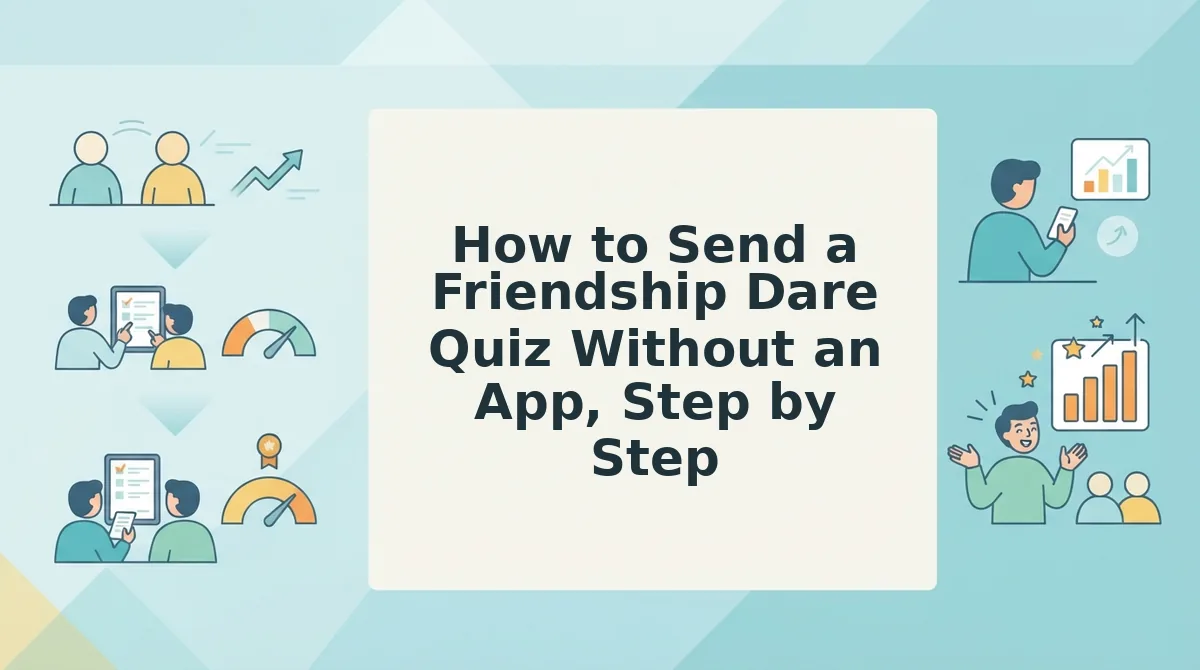
Enter your name on the dare quiz page, answer the habit prompts, copy your custom URL, and paste it into your group chat. The whole flow runs in your phone browser.
To send a friendship dare quiz without an app, open Friend Quiz in any mobile browser and type your name on the start screen. You then cycle through personal trivia prompts about your daily habits, quirks, likes, and dislikes. When you finish the last prompt, Friend Quiz packages your answers into a personalized challenge with its own custom URL. You copy that link and paste it into WhatsApp, iMessage, Snapchat, or Instagram. Friends tap it, answer in their own browser, and their scores appear without anyone installing software or creating an account.
Before you start: a phone browser and your name. Total time: under two minutes.
- Open the page to create a friendship dare quiz, then type your name in the name field and tap start (about 10 seconds). The first habit prompt should appear.
- Answer each habit prompt in order by tapping your choice (about 60â90 seconds). The next prompt loads after every tap, with no page reload.
- Copy your custom URL from the finish screen (about 5 seconds). You should see a unique link tied to your quiz.
- Paste the link into your group chat with a dare message (about 15 seconds). The link should show up in the thread, ready to tap.
Worked example #1: You enter your name, cycle through the prompts on your habits and dislikes, and receive your link. You go from a blank screen to a shareable challenge in under two minutes.
The App-Averse Friend Objection Map
| Objection | What Friend Quiz does | What to text them |
|---|---|---|
| "I won't install anything." | Runs as a browser link | "It's just a link. Tap it." |
| "I don't want another login." | Requires zero accounts | "No sign-up. Just your name." |
| "It's slow on my phone." | Uses a lightweight, touch-friendly interface | "It's built for thumbs. Takes a minute." |
Zero install, zero login. If your chat bails on anything that asks for a download, start your dare link now and paste it while everyone is still online.
Worked example #2: three paste-ready dare messages
- "Dare you to beat 80% on this. No app, just tap: [link]"
- "Whoever scores lowest picks the next restaurant. Go: [link]"
- "Prove you're actually my best friend. Leaderboard's live: [link]"
For a less dare-heavy version, try the best friend test. Next, make sure the link opens correctly before the replies start rolling in.
How to Check Your Dare Link Worked (and Fix It If It Didn't)
Your dare link worked if three things happen: the preview appears in the chat, a friend submits, and their score lands on your Friendboard. If one of those signals is missing, one of the quick fixes below usually solves it.
A dare link is the custom quiz URL Friend Quiz creates from your answers. It is the only thing your friends need to play.
What do friends see when they open a friendship dare quiz link? They tap the link in the group chat, and the quiz opens in their phone's mobile browser. There is no profile to build, no login screen, no email field, and no trip to an app store. Questions about your habits, quirks, likes, and dislikes appear one after another, so friends make their guesses in sequence. When they reach the last question, they submit instantly. Their result is recorded the moment they tap submit, so nobody needs to create an account to finish the dare.
Check these three success signals in order:
- Preview appears: the link shows a preview card in the chat instead of bare text.
- First friend submits: someone finishes the quiz and taps submit.
- Score shows up: their result appears on your Friendboard.
A Friendboard is a real-time scoreboard that ranks which friend knows you best. It works like a bowling alley screen that updates after every frame. As friends submit, open your board to see who is climbing toward first place and who is guessing wildly.
Some chat apps open links in an in-app browser. An in-app browser is a mini browser built into the messaging app, so the page loads without switching to your phone's main browser. Each messaging app handles links its own way, so the fixes below are general. For iMessage specifics, see how to open a friend quiz link in iMessage.
| Symptom | Fix |
|---|---|
| The link opens inside an in-app browser and acts oddly | Tap the menu and choose "open in browser." |
| The preview is missing or stale | Resend the link in the chat. |
| A friend's score isn't showing | Refresh the Friendboard, or confirm the friend actually tapped submit. |
| A friend is asked to download something | Confirm they used your custom quiz URL, not a different link. |
Friendship Dare Quiz FAQ
These quick answers cover the questions people ask most often after sending their first dare link.
Does a friendship dare quiz work on both iPhone and Android?
Yes. The quiz runs in the mobile browser, so it works on any phone that can open a web link. Friends don't need an app, an account, or an email address. They tap the link, make their guesses, and submit right from the chat.
Can friends play a dare quiz from Snapchat without an app?
Yes. Paste your custom quiz link into a Snapchat chat, and friends can open it in their browser without installing anything. If Snapchat's in-app browser acts up, tap "open in browser." Here's how to play on Snapchat without an app.
Can I make another quiz in a different format afterward?
Yes. Once your dare quiz is out, you can create a new challenge in another format, such as a best friend test or a friendship test. Try a BFF quiz without an account. It uses the same quick, name-first setup.
Will I ever be asked to install anything later?
No. Friend Quiz is built to work without app downloads or account logins, for both you and your friends. If someone sees a download prompt, they most likely opened a different link. Ask them to tap your custom quiz URL instead.
Send the Dare and Let the Friendboard Decide
You don't have to argue about who knows you best, because the Friendboard settles it with scores. Setup takes under two minutes, and the result is on the board, not up for debate in the chat.
- No script needed: type your name, answer your own prompts, and the quiz is built for you.
- The link plays in the browser: friends tap, guess, and submit with no account or download.
- The Friendboard shows the winner: rankings update as each friend submits.
Enter your name and send the dare. When the same crew is ready for a rematch, challenge them with a friendship test and see whether the leaderboard changes.