Can I create a friend quiz in my phone browser without an app?
Your WhatsApp group has gone quiet, and the last message is a meme nobody answered. You want to restart the banter, but nobody in that chat will install an app just to play along. So can you create friend quiz in phone browser tabs alone?
Yes. You can create a friend quiz entirely in your phone browser. Type your name, answer a short run of personal prompts, and copy the quiz link Friend Quiz generates. You do not need an app, an account, or an email address, and Friend Quiz says setup takes under two minutes.
Skipping the app store is the right call. A quiz should feel as quick to send as a voice note. To start, open friendquiz.org in Safari or Chrome instead of searching an app store, then build your quiz before the chat goes cold.
This guide covers what you need, the three creation steps, what your friends see when they tap your link, and how the Friendboard scoreboard tracks bragging rights. You will also learn about the one step that kills most quizzes before question three, and how to avoid it.
Can You Create a Friend Quiz in a Phone Browser Without an App?
Yes. A mobile web quiz is a quiz that is created and played in the browser with a touch-friendly interface. You build it in Safari, Chrome, or any mobile browser on iPhone or Android, then share one link. You do not need an app, an account, or an email address.
A quiz link is the custom URL your friends tap to open your quiz. It works like sharing a video link: anyone who taps it can watch, whatever phone they own and whatever browser they use.
What you need vs. what you don't
- You need: a phone (iPhone or Android), any mobile browser such as Safari or Chrome, and a group chat to share in.
- You don't need: an app download, an account, an email address, or a signup form.
Because the quiz runs in the browser, iPhone and Android users get the same experience. An iPhone creator can share with Android friends, and the reverse also works.
Can I create a friend quiz in my phone browser without downloading an app? Yes. Friend Quiz runs entirely in mobile browsers like Safari and Chrome on both iPhone and Android. Open friendquiz.org and type your name. Then answer a sequence of prompts about your habits, quirks, likes, and dislikes. The site packages your answers into a personal quiz link that you can paste into WhatsApp, iMessage, or Snapchat. Friends tap the link and answer in their own browser. You do not need an account, email, or app install, and Friend Quiz says the whole setup takes under two minutes.
Once friends start answering, their scores appear on a real-time Friendboard. The same browser-only flow powers the classic best friend quiz.
How to Make a Friend Quiz on Your Phone in 3 Steps
To make a friend quiz on your phone, type your name, answer the personal prompts, and share the custom URL in your group chat. Friend Quiz says the whole process takes under two minutes.
Before you start: You need a phone with Safari, Chrome, or another mobile browser, and an open group chat on WhatsApp, iMessage, or Snapchat. You do not need an app or an account.
- Type your name. Open friendquiz.org in your mobile browser and enter your name in the field on the homepage. This takes a few seconds. You should see the first trivia prompt appear right away, with no signup form or email screen in between.
- Answer the sequential prompts. Tap through each prompt about your daily habits, quirks, likes, and dislikes, and choose the answer that is actually true for you. Each tap moves you to the next prompt without a page reload. When you finish, Friend Quiz packages your answers into a personal challenge. For example, you might record your go-to snack and your worst habit, and then you receive a custom URL built from those answers.
- Copy your custom URL and share it. Copy the quiz link from the results screen and paste it into your chat. The link should appear as a tappable message in the thread.
- WhatsApp: Paste the link into the group. Friends tap it, and it opens in the in-app browser, so they answer without leaving the chat.
- iMessage: Send the link in your group thread. One tap opens your quiz in a browser view, and friends can return to the conversation as soon as they finish.
- Snapchat: Drop the link in a chat or attach it to a Snap. It opens in Snapchat's in-app browser, so friends stay inside the app.
Your friends answer in seconds, with no signup on their end. A quiet chat can turn into a scoreboard race before the next meme lands.
Want a different format? Try the BFF test for a quick head-to-head with your closest friend. For a more chaotic variant built to travel, use the friendship dare quiz.
Next, confirm that your link actually works for the people who will tap it.
How to Check Your Quiz Link Works With the Chat Momentum Test
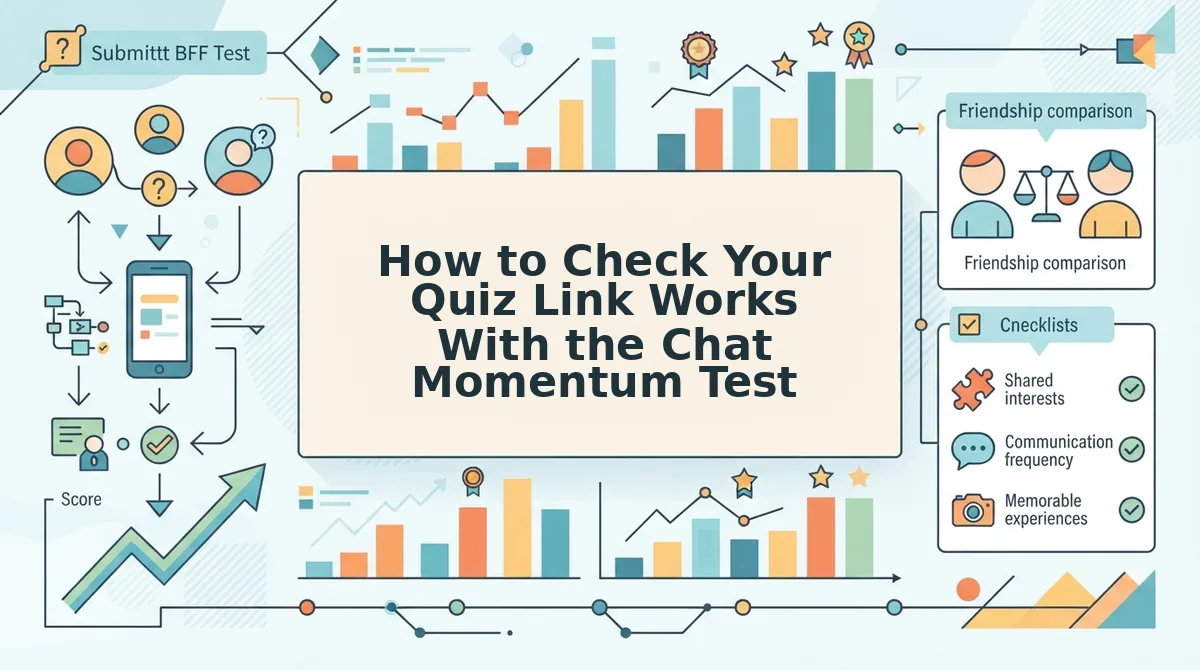
Open your own quiz link in a fresh mobile browser tab and play it exactly as a friend would. The Chat Momentum Test is a four-check pass that confirms nothing stops a friend between tapping your link and finishing the last question.
- No account or email wall. Your friend should land straight on the first question with no sign-up screen. This check comes first because the account wall is the step that kills quizzes before question three.
- No app install prompt. The quiz should load in Safari or Chrome with no banner pushing a store download. If you see one, your friends will too, and the detour breaks the chat's rhythm.
- No page reloads between questions. Tap through several answers and watch for full-page refreshes or ad clutter covering the options. Each reload is another chance for a friend to switch apps and forget your quiz.
- One-tap sharing back into the chat. After you finish, look for a share button that sends the link straight to WhatsApp, iMessage, or Snapchat. That return trip keeps the banter going and pulls in the next player.
Do friends need an account?
No, friends do not need an account to take a Friend Quiz. A friend taps the shared link in WhatsApp, iMessage, or Snapchat, and the quiz opens directly in their mobile browser. They answer your questions about your habits, quirks, likes, and dislikes without creating an account, entering an email, or installing an app. Skipping sign-up matters because every extra screen gives someone a reason to quit, and friendship quizzes depend on the first few players finishing fast.
The final proof is the Friendboard, a live ranking of who scored highest on your quiz. Once friends submit answers, the board shows who took first place. Results still depend on friends actually opening the link, so a quiet board usually means your message got buried, not that the quiz broke.
Google Forms vs Kahoot vs a Friend Quiz Maker for a Group Chat
Yes, you can use Google Forms or Kahoot instead, but both are built for other jobs. A dedicated friend quiz maker is designed for people answering on their own time inside a group chat.
| Option | Built for | Play style | Setup needed | Best for |
|---|---|---|---|---|
| Google Forms | Surveys and classroom quizzes | Answer anytime, form-based | Google account; you write and score questions | Teachers and organizers who need response data |
| Kahoot | Live classroom and event games | Host-led live play | Host account and a live session | Hosts running a game night on a shared screen |
| Coded JavaScript quiz | Learning to build apps | Whatever you code | Coding skills and hosting | Developers building a portfolio project |
| Friend quiz maker | Trivia about you | Answer anytime, in the chat | Your name and prompts; no account | Group chat instigators chasing bragging rights |
The most-viewed tutorials serve other audiences. GreatStack's JavaScript quiz app tutorial has 745,615 views and targets developers. Kevin Stratvert's Google Forms tutorial has 578,090 views and uses a classroom framing. HelperMan's Kahoot tutorial has 457,667 views and focuses on host-led live play.
Those numbers show what searchers find, not what suits friendly banter, where every extra setup step works against the joke.
Ready to Drop Your Quiz Link in the Chat?
Yes, your phone browser already has everything you need. The account wall is the real risk, and a no-login quiz removes it before anyone stalls at question three. Your action plan fits in one line: name, prompts, link.
- Open your browser, type your name, and answer the prompts about your habits and quirks.
- Run the four-check Chat Momentum Test on your own link.
- Post the link in the group chat and watch the Friendboard fill up.
Want a head-to-head showdown? Start your best friend test and find out who really earns the title. Enter your name and drop the link in your chat. First place on the Friendboard is still open, and someone in that chat already thinks they own it.