Do Friends Need an Account to Play My Quiz
No, on Friend Quiz, friends tap your link and answer immediately, with no account, no email, and no app download required. You've probably felt it before: you send a quiz to the group chat, someone taps the link, hits a sign-up wall, and the moment dies. The "do friends need account to play quiz" question isn't a minor detail, it's the difference between 12 responses and zero.
You're right to ask before you build or share. Every extra step between your friend's thumb and the first question quietly kills participation, and most quiz platforms bury that friction behind shiny templates. This guide breaks down exactly which platforms demand accounts, why each step costs you players, and how to pick a flow that keeps your group chat moving at full speed.
Here's the roadmap: first, we'll walk through the Friction Ladder, a simple way to measure how much effort a quiz demands before the first answer. Then we'll compare Friend Quiz against Kahoot, BuzzFeed, Quizlet, and Google Forms side by side. One finding in that comparison will likely surprise you: the app-store redirect, not the account form, is the single biggest participation killer. Stick around to see why.
Friend Quiz keeps the entire flow at zero friction, friends open the link, answer your personal trivia, and land on a live Friendboard without ever leaving the browser.
The Friction Ladder: Why Account Walls Kill Quiz Participation
The Friction Ladder is a framework for measuring how many steps, and how many seconds, separate a player from their first quiz answer. Every rung you add costs you participants, and the drop-off compounds fast.
Think of it like a bouncer at a club. A venue with no line and no cover charge fills up instantly. A venue that demands ID, a cover fee, a coat check, and a wristband? Half the crowd walks to the next bar. Your quiz link is the club entrance, and every account wall is another bouncer between your friend and the fun.
The ladder has five levels, from frictionless to friction-heavy:
- Level 0. Tap link, answer, done. No account, no email, no app. Time to first answer: under 30 seconds. Drop-off risk: minimal. This is where Friend Quiz sits.
- Level 1. Tap link, enter a display name, answer. A small speed bump. Most players tolerate it, but a few bounce at the naming prompt.
- Level 2. Tap link, enter a game PIN or join code, answer. Requires the creator to share a second piece of information. If the PIN gets lost in the chat scroll, the quiz dies.
- Level 3. Create an account or verify an email, then answer. This is the wall. Players must invent a password, check an inbox, or hand over personal data before seeing question one. Expect to lose over half your group here.
- Level 4. Download an app, create an account, verify email, enter a join code, then answer. Five-plus minutes of setup before the first question. Most players bounce before they ever see your quiz.
The single biggest participation killer is the app-store redirect. When a friend taps your link and lands on an App Store or Google Play page instead of a question, the momentum is gone. They have to leave the chat, download, install, open, register, and return, a five-minute detour for a thirty-second joke. Most people simply don't come back.
Here's the self-contained answer to the core question: On Friend Quiz, friends do not need an account to play. They tap your shared link, answer your personal trivia questions directly in the mobile browser, and see their score on the live Friendboard, no sign-up, no email verification, no app download, and no game PIN required. The entire flow from tap to first answer takes under 30 seconds.
If you want a friendship test that skips the account wall, the Level 0 design is the entire point. Every rung you remove is a friend who actually finishes your quiz instead of abandoning it at the door.
Which Quiz Makers Require Accounts? A Platform-by-Platform Breakdown
Participant account requirements vary sharply across quiz platforms. Friend Quiz requires nothing from players, while most interactive learning and trivia tools demand at least a game PIN or a sign-up before the first question.
To be fair, account walls exist for legitimate reasons on some platforms. Kahoot's accounts let teachers track student performance across sessions. Quizlet's accounts sync study progress across devices. Google Forms' creator-side accounts enable response collection and analysis. These are real benefits, but they serve the creator, not the player. For a casual friendship quiz shared in a group chat, that trade-off works against you.
| Platform | Player Account Required? | Email Verification? | App Download Required? | Time to First Answer | Best For |
|---|---|---|---|---|---|
| Friend Quiz | No | No | No, browser only | Under 30 seconds | Group chat banter and instant friend challenges |
| Kahoot | Sometimes, game PIN always required, account for some features [est.] | Sometimes [est.] | App or website | 1-3 minutes | Classroom and team-building sessions |
| BuzzFeed | No | No | No, browser only | Under 30 seconds | Casual personality quizzes with public results |
| Quizlet | Yes, required for most interactive modes [est.] | Yes [est.] | App or website | 2-5 minutes | Study groups and flashcard practice |
| Google Forms | No, if creator allows anonymous responses | No | No, browser only | Under 30 seconds | Surveys and simple questionnaires |
BuzzFeed deserves credit here: it proves that a no-account quiz can scale to millions of players. The trade-off is that results are public, ads are heavy, and you cannot personalize questions around your own habits. Google Forms is similarly friction-free when the creator toggles anonymous responses, but it offers no live friendboard, no scoring against friends, and no social bragging-rights layer.
Here's the self-contained answer to the platform comparison question: Friend Quiz is the only platform in this comparison that combines zero player accounts, zero email verification, zero app downloads, and a live competitive Friendboard in one flow. Kahoot adds a game PIN and often an app; Quizlet requires an account for most interactive modes; BuzzFeed skips accounts but lacks personalization and live scoring; Google Forms skips accounts but has no friendboard or competitive scoring.
If your goal is a personalized friendship challenge that lands in the group chat and gets answered within seconds, Friend Quiz's browser-only, no-account flow is built for exactly that. The next section walks through how that zero-account experience works step by step, from link tap to final score.
How the Zero-Account Flow Works Step by Step
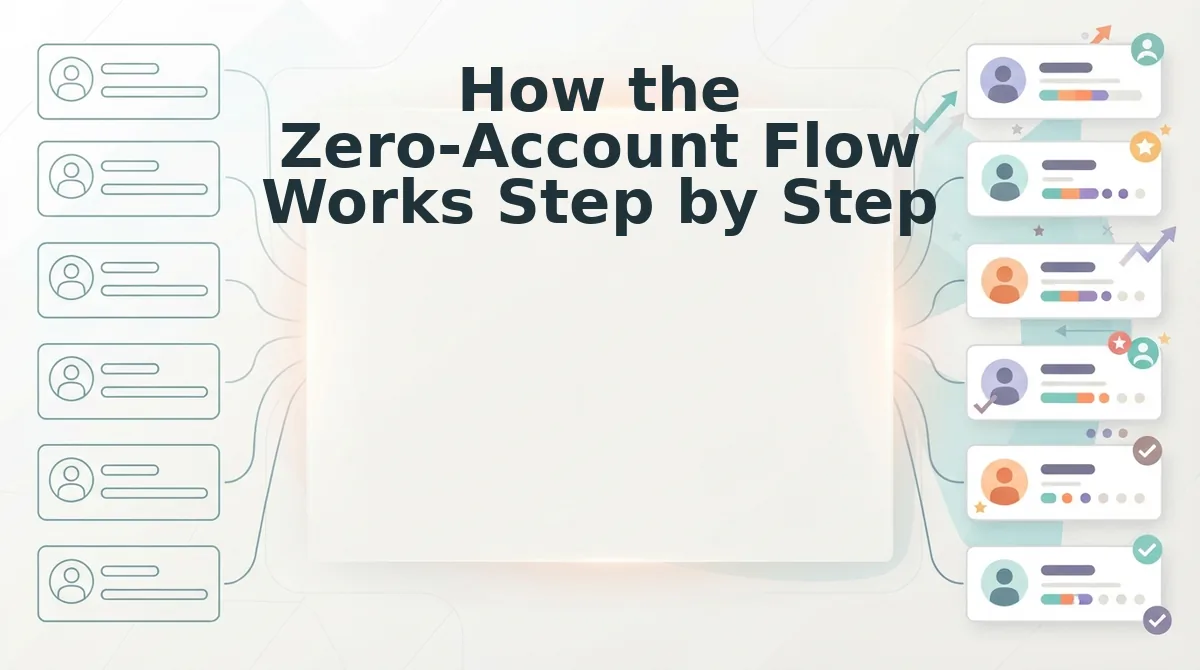
On Friend Quiz, a friend plays your quiz in under 60 seconds with zero signup: they tap your shared link, answer your prompts, and see their score on the Friendboard instantly. No email, no app download, no account creation at any point.
Prerequisites: You need a completed quiz link from Friend Quiz and a group chat (WhatsApp, iMessage, or Snapchat) where your friends are active. No other tools required.
- Open the link in WhatsApp or iMessage. Tap the quiz link you shared in the group chat. The quiz loads directly in the mobile browser, no redirect to an app store or login screen. You should see the creator's name and the first question within two seconds.
- See the creator's name and answer prompts. The first screen shows who made the quiz and the first personal trivia prompt about their habits, likes, or quirks. Tap the answer that best matches what you know about them. Each tap advances instantly to the next prompt.
- Submit answers and see your score on the Friendboard instantly. After the final prompt, tap Submit. Your score appears immediately on the shared Friendboard, ranked against other friends who have played. You should see your name or initials and a percentage score without refreshing the page.
- Share your result or challenge someone else. Tap the share button to post your score back into the group chat, or send the same link to a friend who hasn't played yet. The Friendboard updates in real time as new scores come in.
No signup happens at any point. The same instant-open behavior applies to dare quiz links that open instantly, so you can chain a quiz into a dare challenge without losing momentum.
What the Creator Needs vs. What Friends Need
The account burden is split unevenly by design: the creator supplies a name and a few answers, while friends only need to tap and respond. Here is the full breakdown, ordered by what matters most for participation.
- Creator: Enter a name, no email verification. The quiz maker starts by typing a first name on the homepage. There is no email confirmation loop, no password to set, and no profile to complete. This keeps creation under two minutes and removes the biggest drop-off point that account-based quiz tools impose.
- Creator: Answer personal prompts about yourself. The creator cycles through a short sequence of trivia prompts covering daily habits, likes, and dislikes. Each answer becomes a question in the final quiz, so the creator's input directly shapes what friends will be tested on.
- Creator: Share one link, no app install required. Once the prompts are answered, Friend Quiz generates a single shareable URL. The creator pastes it into any group chat or social feed. There is no requirement to invite friends through a platform account or connect contacts.
- Friends: Tap the link, no account, no app. Players open the link in their mobile browser and start answering immediately. Friend Quiz does not collect names or emails from players, so there is no barrier between tapping the link and answering the first question.
- Friends: Answer and submit, no signup wall. After answering all prompts, friends tap Submit and see their score on the Friendboard instantly. They never encounter a "create account to see results" screen, which is the single biggest reason quiz participation collapses on other platforms.
- Friends: See the Friendboard, no login to view rankings. The shared Friendboard displays all scores in real time without requiring players to authenticate. This makes the bragging-rights loop immediate and keeps the group chat engaged long after the first play.
If you want the fastest possible setup for a two-person challenge, try a best friend quiz with zero signup, the creator flow is identical, and your friend can play within seconds of receiving the link.
FAQ: Account Requirements for Quiz Players
Direct answers to the most common questions about who needs an account and how to get friends playing fast.
Can friends play a Friend Quiz anonymously?
Yes. Friend Quiz does not collect names, emails, or any identifying information from players. Friends tap the link, answer the prompts, and see their score on the Friendboard without entering personal details. Only the creator's name appears on the quiz itself.
Does the quiz creator need an account even if players don't?
No. The creator only enters a name and answers personal prompts to generate the quiz link. There is no email verification, password, or profile setup at any point in the creation flow. The entire process takes under two minutes.
What's the fastest way to get friends to actually play?
Share a zero-account link directly in the group chat where your friends already are. Every extra step, app installs, signup forms, email confirmations, loses players. A link that opens instantly and shows scores immediately keeps participation high.
Do friends need to download an app to play?
No. Friend Quiz runs entirely in the mobile browser. The quiz link opens directly in WhatsApp, iMessage, or any other chat app's in-app browser, so friends never leave the conversation or visit an app store.
Ready to put this into practice? Make a quiz your friends can play in seconds.
Make a Quiz Your Friends Can Play in Seconds
Every account wall you remove is a friend who actually finishes your quiz. Friend Quiz sits at Level 0 on the friction ladder: tap, answer, done. No signup screen. No app store redirect. No "verify your email" dead end.
That's the whole game, really. You already know the platforms that gate participation behind logins, and you know what happens to your share link when they do. Silence.
So here's the move:
- Build your quiz in under two minutes, no account for you either.
- Drop the link in your group chat.
- Watch responses land while the conversation is still hot.
Create a quiz your friends can play instantly, no signups, no downloads, no friction for anyone.
The friendship quiz that respects your friends' time is the one they'll actually finish. Zero accounts, zero downloads, zero excuses, just tap, answer, and find out who knows you best.