Buddy Meter vs QuizYourFriends for mobile group banter
You paste a challenge link into your active WhatsApp or iMessage thread, expecting instant banter, only for the entire chat to stall out. Group chat engagement drops significantly when external links trigger app-store redirects or account prompts inside mobile webviews. Comparing buddy meter vs quizyourfriends shows which platform still supports fast-paced social rivalries and which one derails participation with intrusive hurdles.
You will learn how interface lag, registration walls, and disruptive banner ads affect participation when sharing trivia links with friends. This analysis evaluates mobile browser mechanics and friendboard tracking, excluding desktop-only features. Does a single extra form field quietly destroy your group banter?
- Situation: A chat creator wants to wake up a quiet messaging thread by testing friends on personal quirks.
- Action: Setting up a lightweight friend quiz requires typing a name, selecting daily habit prompts, and copying a direct challenge URL in under two minutes.
- Outcome: Group members tap the URL inside their messaging app, answer sequential guesses without creating an account, and post real-time scores immediately.
One common mobile display barrier stops players right before they can submit their final answer. The true friction between these legacy options becomes obvious once players tap the link.
The Verdict on Buddy Meter vs QuizYourFriends for Mobile Banter
Between Buddy Meter and QuizYourFriends, Buddy Meter is the better option for casual link sharing across chat apps, while QuizYourFriends retains appeal for classic forum-style trivia. However, both platforms struggle inside modern in-app browsers due to dated interfaces, registration gates, and intrusive banner placements that disrupt casual group banter.
A mobile friendship quiz maker is a lightweight web tool designed to generate custom personal trivia URLs that friends can answer inside messaging apps without installing software. Early web tools dominated desktop social networks, but viral chat momentum dies the second a link opens to a registration screen or an ad that covers the submit button.
When evaluating which legacy trivia tool works best for fast-paced WhatsApp, iMessage, or Snapchat banter, mobile responsiveness and setup friction matter far more than nostalgic brand recognition.
| Evaluation Criteria | Buddy Meter | QuizYourFriends |
|---|---|---|
| Account Registration Requirement | No mandatory account for basic quiz links | Requires account setup and profile creation |
| In-App Browser Responsiveness | Mobile-optimized layout prone to multi-page reload lag | Static web forms built primarily for desktop browsers |
| Ad Density | High; display banners frequently crowd submit triggers | Moderate to high display ads across question flows |
| Scoreboard Transparency | Basic score tracking with limited answer breakdown controls | Standard score display requiring registered logins to review |
Choose Buddy Meter if your friends refuse to register an account and simply want a quick URL to paste into a chat. It works best for spontaneous, low-stakes ribbing where participants do not mind dodging occasional display ads between questions.
Choose QuizYourFriends if your group values long-standing profile histories and prefers structured, early web-era questionnaire formats over touch-screen micro-challenges. It works best for desktop-first communities or online forums where users already maintain dedicated user accounts.
Can a friendship test stay fun if five friends bounce before question two?
Our recommendation: If your goal is waking up an inactive chat thread, neither legacy tool fully solves mobile friction. For zero-friction group engagement, running a modern best friend quiz that pairs zero-account participation with live friendboards keeps everyone tapping without ad obstructions or password resets.
Examining Buddy Meter directly reveals how its multi-page layout and banner placement impact daily chat interactions.

How Buddy Meter Performs in Real Group Chats
Buddy Meter delivers high-friction group chat performance characterized by multi-page reload delays and intrusive display banners that disrupt real-time engagement. Buddy Meter is a legacy friendship quiz maker that generates personal trivia links for social messaging apps like WhatsApp and iMessage.
When friends open a challenge inside an in-app browser, the mechanics struggle under mobile conditions.
What happens when a group chat opens a Buddy Meter test? Buddy Meter runs on an older web architecture that treats every quiz submission as an isolated page request. When participants tap an answer, the browser cannot update the interface seamlessly in the background. Instead, the URL structure relies on static query strings like /quiz.html?q= that force the browser to fetch and reload entire HTML pages for each individual prompt. Combined with responsive display ads that dynamically load above and below interactive elements, this legacy routing causes noticeable layout shifts and touch-target delays during speed runs.
Think of this browsing experience like ordering items from a vending machine that forces you to walk back outside and re-enter the building after every single coin you insert. While modern web apps handle input changes instantly on one screen, full-page reloads break the momentum of quick social banter.
Consider this real-world scenario from a mobile group chat:
- The Setup: A creator configures questions about their daily habits and drops the generated URL into a WhatsApp group.
- The Action: A friend taps the link inside WhatsApp, reads the first question, and attempts to tap the second answer option just as a delayed banner advertisement expands at the top of the viewport.
- The Result: The shifting layout pushes the buttons downward, causing the friend to misclick an incorrect habit option while the browser triggers another full HTML page reload.
This layout instability directly impacts competitive scoring and player completion rates. If you want participants to finish an entire trivia round or take on an interactive friendship dare quiz, interactive buttons must stay anchored in place without unexpected ad shifting.
QuizYourFriends introduces an entirely different set of mobile hurdles for group banter.
Where QuizYourFriends Falls Short for Modern Chats
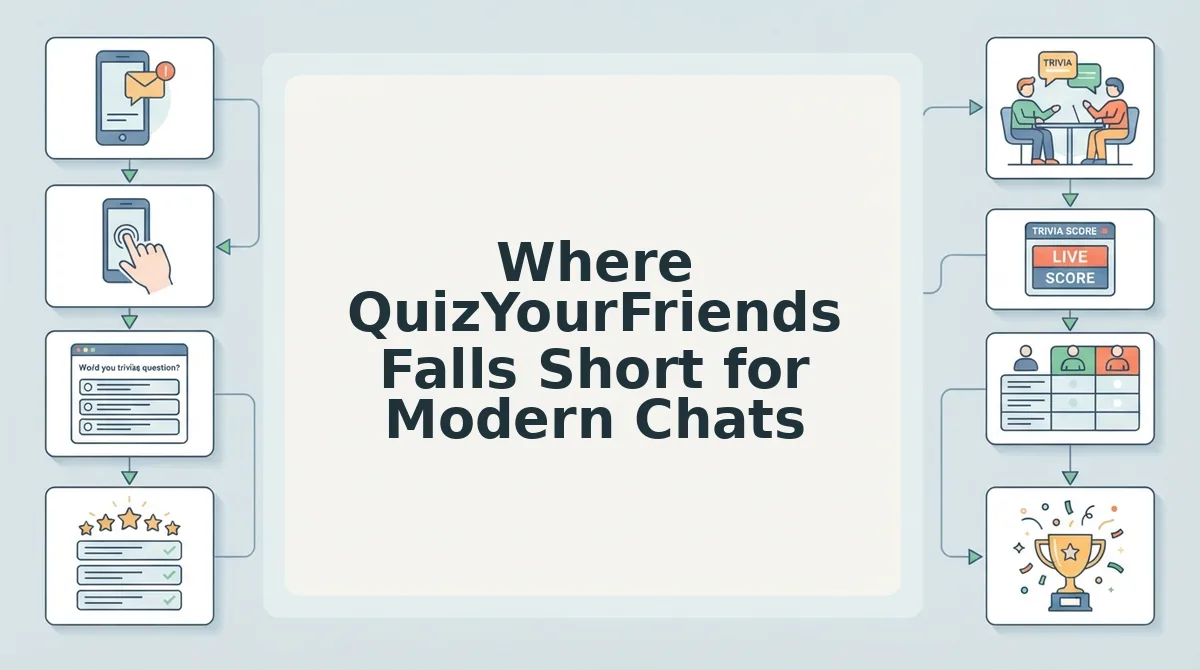
QuizYourFriends fails modern group chats because its dated architecture, mandatory registration gates, and desktop-first layouts create severe technical friction in mobile browsers. The platform demands high-effort account onboarding before anyone can view or participate in friendly trivia.
Why do friends close a QuizYourFriends link within five seconds of tapping it in Snapchat or WhatsApp? The Drop-off Trap is the rapid participant loss triggered when static web forms fail to load cleanly inside sandboxed in-app messaging webviews. When players meet an email verification prompt just to rank their friendship, banter grinds to an instant halt.
- Mandatory registration hurdles: QuizYourFriends requires participants to submit personal details and complete profile signups before answering friend trivia. This upfront gate kills spontaneous group chat banter by turning casual participation into a chore. Creators must bypass platforms that demand account creation and select no-signup tools to keep reply rates high.
- In-app browser session failures: Opening quiz links inside sandboxed webviews on WhatsApp or Snapchat routinely wipes unsubmitted answer selections. These technical resets frustrate players who tap back or switch apps to verify an inside joke. Test your links within in-app social browsers prior to blast-sharing across group threads.
- Rigid multi-page reload sequences: The quiz engine forces full web page reloads between individual questions instead of serving a fluid, single-page application. This latency burns mobile data and causes impatient friends on cellular connections to drop out midway. Creators should audit loading intervals and prioritize modern lightweight web challenge frameworks.
- Cluttered desktop-legacy viewports: The layout retains early-web spacing that forces mobile players to pinch, zoom, and hunt for off-screen submit buttons. Friends frequently miss taps or misclick navigational elements on smaller smartphone screens. Inspect display responsiveness across different screen ratios to confirm clear visual tap targets.
- Delayed participant score updates: Results fail to synchronize across active threads in real time, leaving players uncertain who actually leads the pack. Without immediate leaderboard visibility, competitive banter disappears before everyone finishes the challenge. Creators need instant ranking tools to capture the immediate excitement of head-to-head friend rivalries.
- Static question customization limitations: The platform relies on rigid, pre-configured question formats that restrict personal habits and niche inside jokes. Generic prompts fail to capture dynamic friend group nuances, making testing feel like standardized homework. Select trivia builders that let you tailor specific habits and daily quirks easily.
- Intrusive desktop-style display banners: Outdated ad networks load bulky display banners directly over answer buttons on mobile touchscreens. Accidental ad clicks redirect friends away from the quiz and permanently break their session progress. Run mobile ad-block checks or choose clean challenge platforms that protect the interactive tap zone.
Setting up a fast, competitive social dare requires stripping away every layer of technical friction.
How to Run a Frictionless Mobile Trivia Challenge
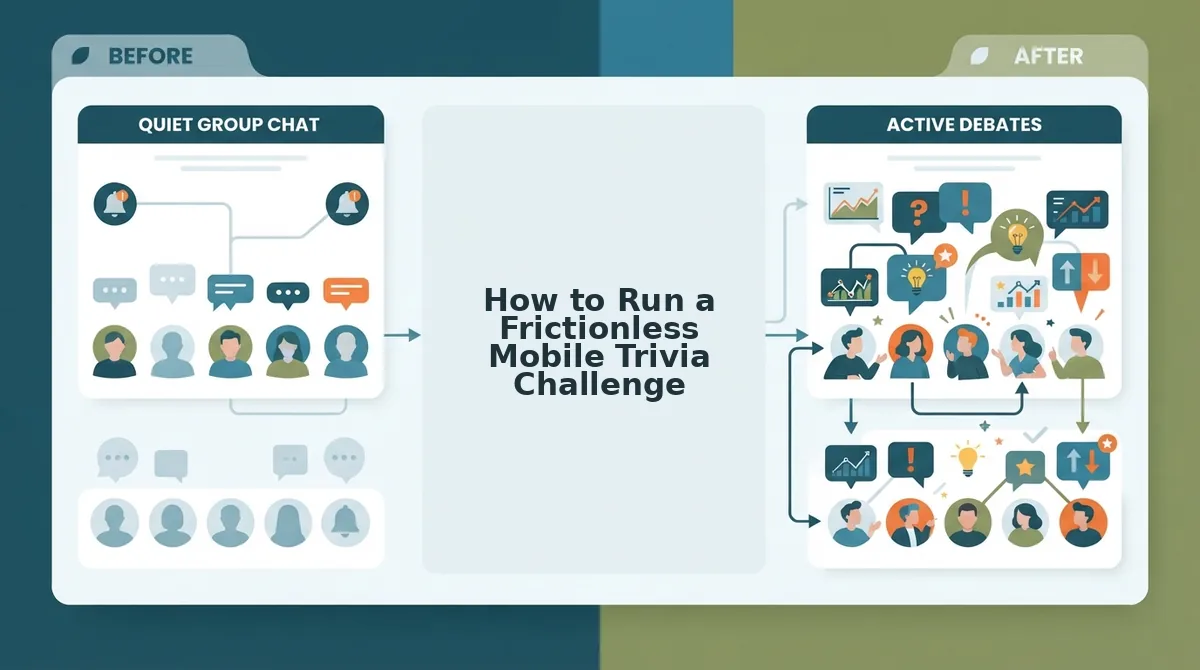
Running a frictionless mobile trivia challenge requires selecting a zero-account, single-page web quiz maker that generates custom challenge URLs in under two minutes without multi-page reload delays. By removing account barriers and software installations, creators launch interactive games that friends can play instantly inside mobile browsers.
Before starting, you only need an updated mobile web browser and an active group chat thread ready on WhatsApp, iMessage, or Snapchat.
- Type your display name into the main creator input box on the screen. Time required: 10 seconds. You should see the interactive prompt sequence load immediately without page reloads or email verification screens.
- Select your answers across trivia prompts detailing your daily habits, quirks, likes, and dislikes. Time required: 60 seconds. You should see the platform instantly package your selections into a personalized web challenge and display a custom URL.
- Paste the challenge link directly into your group chat conversation. Time required: 15 seconds. You should see friends launch the lightweight quiz interface in their mobile browsers, complete their guesses sequentially, and submit results instantly to your live Friendboard.
Traditional multi-page forms lose players to slow loading and intrusive signups, whereas direct link participation keeps group banter moving at full speed.
A creator waiting in line for coffee decides to wake up a quiet group thread with a 10-question dare. They open the web application, type their name, and tap through ten habit-based prompts in under 90 seconds. Once they share the generated URL to WhatsApp, three friends immediately open the link in their mobile browsers. Each participant guesses sequentially without registering an account, automatically posting their scores to the live Friendboard before the creator reaches the counter.
Creating a personalized bff test is the fastest way to fuel friendly rivalries and discover who pays attention to your daily habits. Share a custom dare link today to spark immediate chat banter and track live standings on your Friendboard.
Evaluating which tool fits your group also requires examining how each platform protects user scores and answer privacy.
Understanding Tool Limitations and Scoreboard Privacy
Tool limitations in friendship quiz apps center on how participant answers are revealed, stored, and managed on group scoreboards. Exposing raw, question-by-question responses often ruins group chat banter, whereas aggregate leaderboards preserve competitive tension without exposing personal missteps.
Scoreboard privacy is the design standard that separates public rank placement from private individual response data. Showing every incorrect guess turns lighthearted trivia into an awkward social audit. Buddy Meter exposes exact scoreboards tied to entered names without response audits, whereas zero-account platforms restrict raw input viewing to protect creator privacy. Sticking to aggregate points keeps the focus strictly on leaderboard standing.
Does your chat want full transparency or pure leaderboard bragging rights?
| Platform | Account Needed | Scoreboard Display | Best For |
|---|---|---|---|
| Buddy Meter | No | Public itemized score breakdowns | Casual groups unbothered by raw answer exposure |
| QuizYourFriends | Yes | Static form-based score listings | Users who prefer desktop-style account portals |
| Friend Quiz | No | Aggregate Friendboard rankings | High-speed mobile chats prioritizing answer privacy |
Choose Buddy Meter if your group enjoys dissecting every single right or wrong answer directly on the scoreboard. Choose QuizYourFriends if you prefer classic forum-style workflows and do not mind account creation hurdles. Choose Friend Quiz if you need a two-minute mobile setup that ranks friends without exposing granular response choices.
Our recommendation is to use zero-account platforms featuring aggregate friendboards. Withholding raw question audits protects personal boundaries while driving healthy group rivalry.
Reviewing privacy rules naturally leads to practical questions about launching and sharing these challenges across different chat apps.
Frequently Asked Questions About Friendship Quiz Makers
Friendship quiz makers let you test how well contacts know you through custom web trivia links that track scores without requiring mobile app installations.
Do you need to download an app to play Buddy Meter or QuizYourFriends?
No mobile app download is required for either platform because both operate entirely in web browsers. Buddy Meter runs without app downloads or account logins, storing quiz scores through browser cookies. Conversely, QuizYourFriends prompts creators with legacy email registration before generating a playable link, which adds unnecessary friction on mobile devices.
How do friendship quiz scoreboards track and rank participant answers?
Friendship quiz scoreboards track submissions automatically when players enter their names and submit their answer choices. Scores populate in real time on a leaderboard viewed by the quiz creator. Most web-based tools rank friends by total correct responses, displaying who knows personal quirks best without exposing individual incorrect answers.
Can creators see who took their friendship quiz and what they answered?
Creators can view the submitted names and final scores of everyone who completes the challenge. However, answer visibility varies across tools:
- Buddy Meter displays cumulative scores and high-level selections.
- QuizYourFriends stores historical submission logs behind an account login.
Creators always see each participant's entered name on the live leaderboard.
Is it safe to share friendship quiz links in messaging apps?
Sharing friendship quiz links in group chats is safe as long as questions avoid sensitive personal data. These links run in standard mobile browsers using encrypted HTTPS connections. To protect digital privacy, avoid including passwords, physical home addresses, banking details, or security question answers in your custom trivia prompts.
Evaluating these technical mechanics helps determine which format matches your group dynamic.
Choosing the Right Quiz Platform for Your Group Chat
Choosing between legacy quiz builders comes down to whether your group chat will tolerate disruptive banner ads, account barriers, and slow page reloads just to crown a winner.
While early platforms established personal trivia challenges, mobile messaging feeds move too fast for multi-step reload lag that stalls chat momentum.
Match your tool to your chat's patience using this decision framework:
- Choose legacy platforms if your group tolerates multi-page form reloads and dated layouts simply to share casual trivia.
- Choose lightweight web tools if your circle requires zero-account participation, clean answer privacy, and instant rankings on a live friendboard.
To launch your challenge without drop-off, enter your name on Friend Quiz, lock in your personal habit prompts, and send your custom link straight to WhatsApp or iMessage. The best friendship test is never the one with the longest setup, but the one that ignites immediate banter before your group chat moves on.